|

When you want to end your session and let others use the PC, go to the Start menu, click on Log Off, and then Switch User. Windows will then be ready to await a login request from another user.
When no one is currently using the computer, go to the Start menu again and click Shut Down.
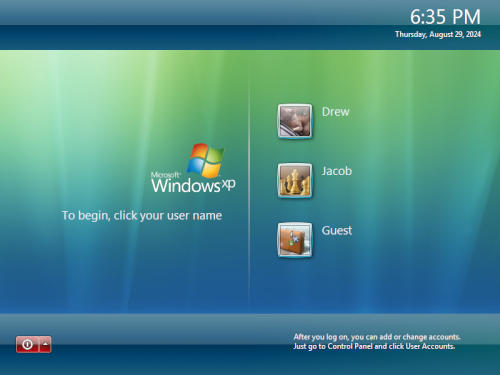
On subsequent startups, the Welcome screen will be the first thing
shown. Simply select your username and type in a password if there is
one, and you'll return to the desktop with your own personalized
settings intact.  |
|