|

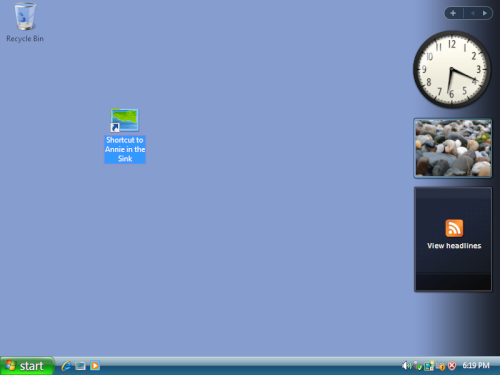
The pictures you see on you
desktop are called icons.
They act as gateways to the files and programs on your computer.
Hovering your mouse pointer over an icon displays more information
about its name or contents. Simply double-click icons to open a program
or file.
When first using Windows, you'll notice only one icon is present on the
desktop—the Recycle Bin—where
deleted files go which are stored until further notice.
Icons are also distinguished as shortcuts as indicated by a small arrow
pointing to the icon. These can point to:
- Programs
- Files
- Disk drives
- Web pages
- Printers
- Other machines
Shortcut icons direct towards links and representing programs and
files. Deleting shortcuts has no effect on the actual files.
 |
|